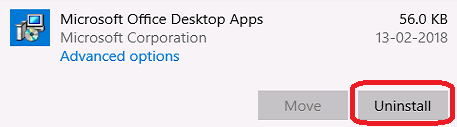
How to Uninstall Microsoft Office Desktop Apps Press Windows+X (the windows button is between left Ctrl and left Alt). In the menu that opens left click Installed Apps. The Apps window will open. Scoll down the list and click on the Microsoft Office Desktop Apps entry in the Apps window to expand it. Left click on the Uninstall button in the expanded entry. Follow the prompts to complete the uninstall.